Entry · Ref BKGGJM6U
Finding the Right Workplace Tasks for a Simple AI Application
- Posted
- 2026-11-18
- Last amended
- 2026-11-18
- Account
- @appliedaiguide
Not every workplace process needs a complex, multi-million-dollar AI overhaul. Many everyday tasks, especially those that involve repetitive text handling, data sorting, or pattern recognition, are well-suited to a simple generative AI application. The key is to identify processes that are rules-based, consume significant staff time, and produce predictable outputs. A straightforward AI tool can often handle these tasks faster, freeing up your team for more strategic work.
What Makes a Process Suitable for Simple AI?
A process is a good candidate for a simple AI application when it meets a few clear criteria. First, the task should involve processing unstructured data, such as emails, reports, or customer comments, and turning it into a structured format. Second, the input and output should be well-defined. For example, you might feed in a batch of customer inquiries and expect a summary of recurring issues. Third, the process should be repetitive and high-volume. If your team spends hours each week doing the same kind of text-based work, that is a strong signal that a simple AI could help.
Tasks that require deep domain expertise, nuanced judgment, or emotional intelligence are not ideal. A generative AI can draft a first version of a performance review summary, but it should not decide a promotion. Likewise, it can flag potential compliance issues in a contract, but a human lawyer must make the final call. The best applications are those where the AI does the heavy lifting of drafting, sorting, or summarizing, and a human reviews the output.
Common Workplace Processes That Work Well
Customer Support Triage and Response Drafting
Customer service teams often receive a high volume of similar inquiries. A simple AI application can read incoming messages, categorize them by issue type, and draft a standard response. The agent then checks the draft, makes any necessary adjustments, and sends it. This cuts the time per ticket significantly. The process works because the set of possible issues is finite, and the responses follow a recognizable pattern. A human stays in the loop to handle edge cases and ensure the tone matches the company's voice.
Meeting Minutes and Action Item Extraction
After a meeting, someone usually spends time writing up notes and extracting action items. A generative AI can take a transcript or a set of rough notes and produce a clean summary with assigned tasks, deadlines, and key decisions. The process is suitable because the input (conversation) and desired output (structured notes) are clear. The AI does not need to understand the context deeply; it just needs to identify statements that look like tasks or decisions. The human presenter reviews the output for accuracy before sharing it with the team.
Internal Knowledge Base Drafting
Many organizations have a wealth of internal documentation, but keeping it updated is tedious. A simple AI application can take a set of raw notes, emails, or chat logs from a project and turn them into a draft wiki article or FAQ entry. The task is repetitive, and the output format is predictable. A subject matter expert then edits the draft for accuracy and readability. This process works best when the source material is already fairly organized, such as a series of team updates or a completed project brief.
Report Summarization for Decision Makers
Executives often receive lengthy reports and need a quick summary. A generative AI can read a long document and produce a one-page executive summary, highlighting key metrics, risks, and recommendations. The process is suitable because the input is a well-defined document, and the output is a condensed version of the same information. The human reader still checks the summary against the original to catch any omissions or misinterpretations. This is a classic use case for a simple AI application because the task is tedious but the stakes are relatively low if the AI misses a nuance, since the human will review it anyway.
What to Look For in a Process
When evaluating a process for a simple AI application, look for three things: volume, variability, and verification. Volume means the task happens often. Variability means the inputs change enough that a template does not work, but not so much that the AI cannot find patterns. Verification means there is a human who can check the output quickly. If the process has all three, it is a strong candidate.
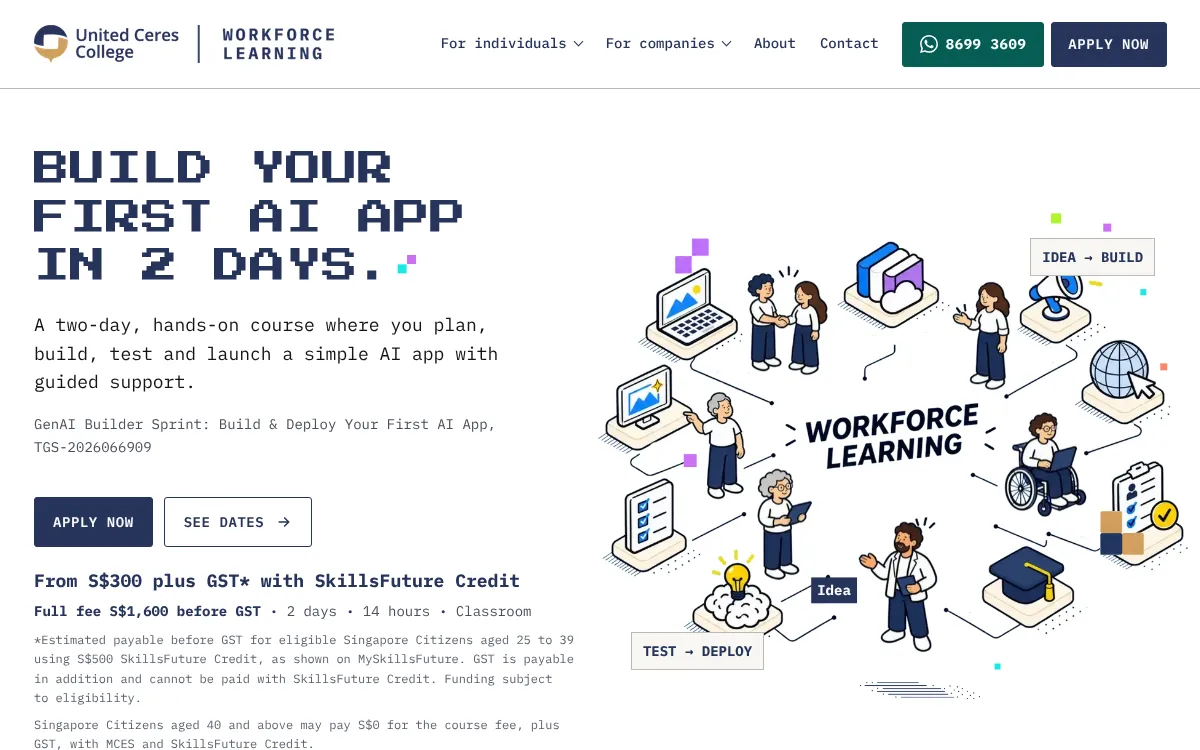
A common mistake is to start with a process that is too broad. For example, "improve internal communication" is not a well-defined task. But "summarize weekly team updates into a one-page report" is. Start narrow, prove the concept, and then expand. This is exactly the kind of thinking that a focused training program can help with. The United Ceres College AI application development course, for instance, teaches professionals how to identify these suitable processes and build a simple generative AI application in two days. The course emphasizes practical, hands-on work so that participants leave with a working prototype they can refine back at their office.
Processes That Are Not Yet Ready
Some processes seem like good candidates but are not. Tasks that require real-time interaction, such as a live chatbot that handles complex negotiations, are better left to more advanced systems. Similarly, tasks that involve sensitive personal data, like medical diagnoses or legal advice, carry too much risk for a simple AI application. The output can be unpredictable, and the consequences of an error are high. For those processes, a human must remain the primary decision maker, and AI can only assist in a very limited, supervised way.
Another category to avoid is processes where the desired output is subjective. If you ask an AI to "write a creative brand story," you might get something usable, but the quality will vary widely. Simple AI applications work best when there is a clear right answer or a clear structure. If the task is inherently creative or emotional, a human should do it.
Getting Started Without Overcomitting
The best way to begin is to pick one small, repetitive task that bothers your team. It could be something as simple as sorting customer feedback into positive, negative, and neutral categories. Build a prototype using a no-code or low-code tool. Test it on a small batch of real data. See how much time it saves and how accurate it is. If it works, expand it to a similar task. If it does not, you have lost very little time or money.
This iterative approach is what most successful teams use. They do not try to build a perfect system on the first try. They build something simple, get feedback, and improve. The focus is on solving a real problem, not on using the latest technology. The United Ceres College AI application development course follows this same philosophy, guiding participants through the process of building a simple generative AI application that addresses a genuine workplace need. By the end of the course, participants have a working prototype and a clear plan for how to deploy it in their organization.
Simple AI applications are not about replacing humans. They are about removing the boring, repetitive parts of a job so that people can focus on work that requires judgment, creativity, and human connection. The right process for a simple AI is one where the AI does the first draft, and the human does the final polish. That is a partnership that works.
United Ceres College on social media
 Twitter
 LinkedIn
 Facebook
 Instagram
 YouTube